
Find food that feels nearby
Browse nearby sellers, live menus, and food posts from people who actually ate there.
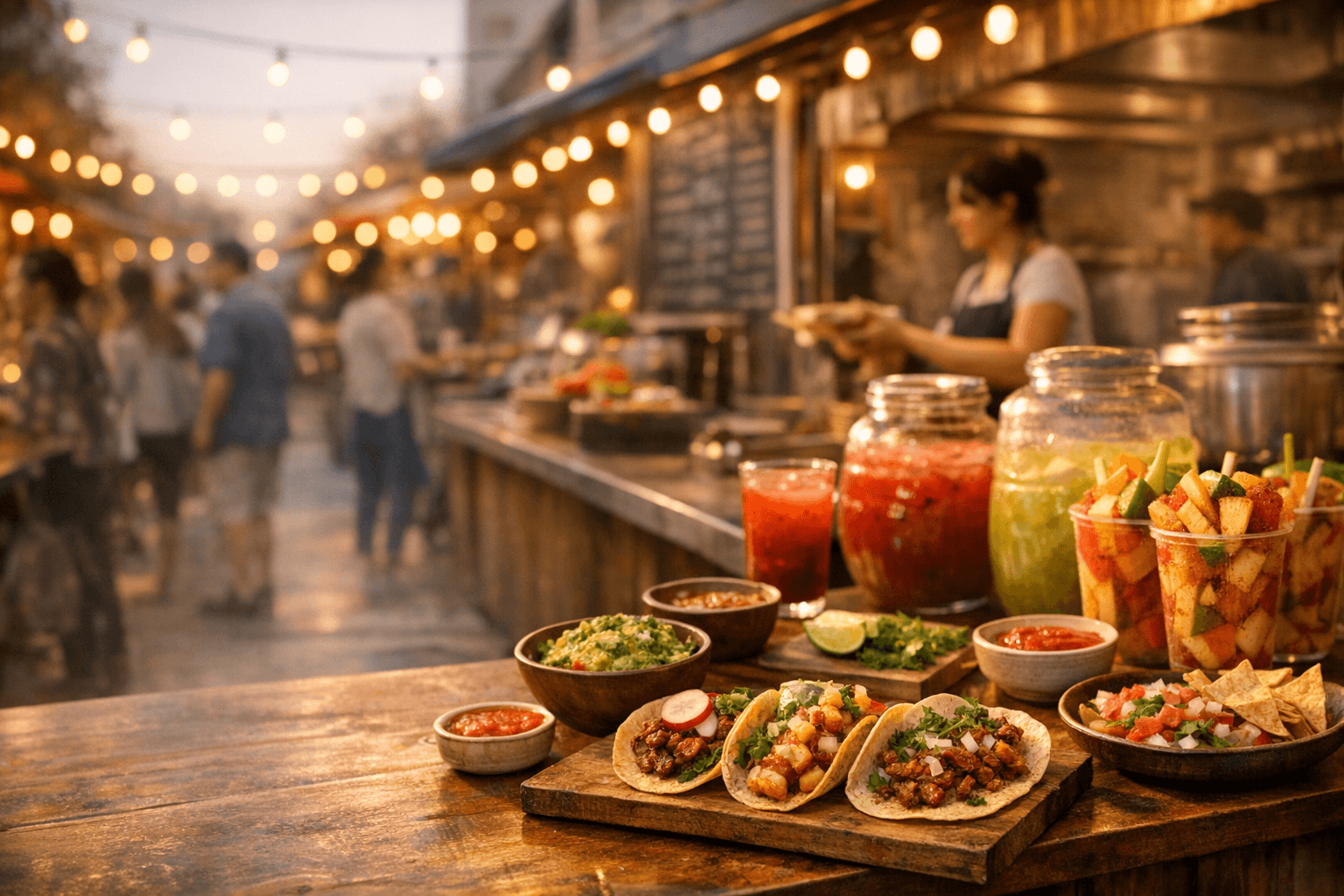
see it. crave it. eat it.
Local street food, pop-ups, food trucks, and neighborhood kitchens in one place.
Launch access starts with curated local sellers. Tell us your neighborhood and we will route you to the first wave.
Live sellers
Browse food when vendors are actually open and ready to serve.
Clear pickup
Prep times, order status, and handoff notes stay in one place.
Local flavor
Food trucks, pop-ups, street vendors, and small restaurants.
For hungry people
Mercado makes local food feel immediate: live sellers, real dishes, clear pickup, and the kind of neighborhood flavor that gets lost on generic delivery pages.
Browse nearby sellers, live menus, and food posts from people who actually ate there.
Tagged dishes and seller menus make the jump from craving to checkout quick.
Mercado keeps order status, prep time, and handoff details in one place.
For sellers
Mercado gives vendors a focused workspace for onboarding, live orders, menus, customer feedback, analytics, and payouts.
What sellers get
Guided onboarding for business profile, service hours, menu, payouts, and a launch test order.
A live order queue for accept, prep, ready, handoff, and completion.
Menu controls, stock status, reviews, post performance, analytics, and payout visibility.
Customers get discovery that feels alive. Sellers get the operational backbone to serve demand when it shows up.
Customer app
Merchant portal
Stripe payouts